Text to video: type a title, get a finished video
Start from a title, a topic or your own script. CreatorKit writes, narrates, illustrates, scores and edits it into a video ready for YouTube.
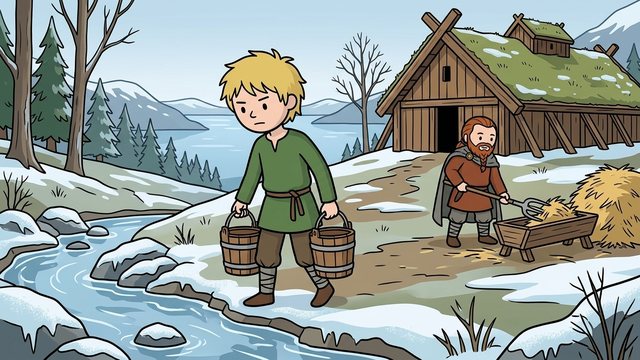
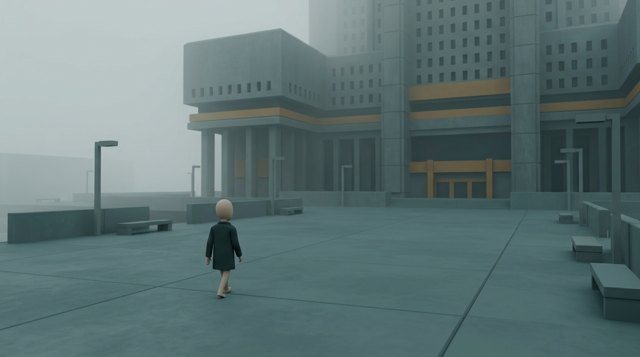
Styles that work for text to video
Pick a built-in style or make your own from screenshots. Every picture in the video follows it.


Why creators use CreatorKit
Or paste your own script.
From 1 to 15 minutes - not just short clips.
One style and the same characters throughout.
Change any picture, line or timing before you render.
Five steps from title to video
You're in control at every one - and you see the price before each step.
Simple pricing
$50/month, or $250 once for lifetime access - the AI runs on your own keys at cost. Top up any time. Cancel any time.
See pricingQuestions
How long does it take?
Most videos are ready the same afternoon - pictures and render take the longest.
What do I get?
An MP4 with narration, visuals, music and subtitles, plus an optional DaVinci Resolve project.
How much does it cost?
You see the price at every step; an 8-minute video is usually a few dollars of credit.
Other use cases
Type a title. Get a finished video.
Script, voiceover, consistent visuals, music, subtitles and edit - with every cost shown before you spend it.
Claim your spot →