YouTube automation that keeps you in control
Automate scripting, narration, visuals, music, subtitles and editing - while you approve each step, so every video still sounds like your channel.
Styles that work for youtube automation
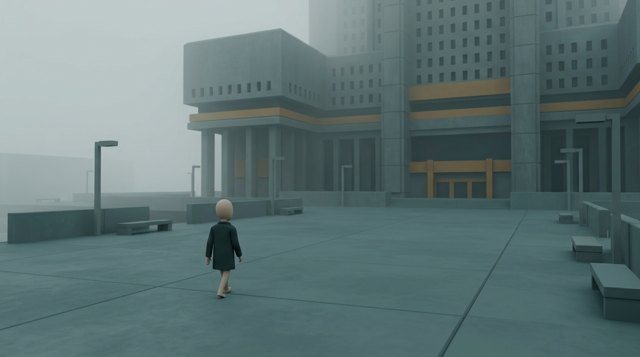
Pick a built-in style or make your own from screenshots. Every picture in the video follows it.



Why creators use CreatorKit
Title, script, narrate, visuals, render - all in one app.
Check the script and pictures before you spend on the next step.
Generate ideas from channels that already work.
Prices are shown upfront; top up only when you need to.
Five steps from title to video
You're in control at every one - and you see the price before each step.
Simple pricing
$50/month, or $250 once for lifetime access - the AI runs on your own keys at cost. Top up any time. Cancel any time.
See pricingQuestions
Is it fully automatic?
You can let it run, but most creators review the script and pictures - it's quick and keeps quality high.
How many videos can I make?
As many as you like - the AI runs on your own API keys at cost, and most 8-minute videos cost a few dollars.
Can I make Shorts too?
Yes, vertical 9:16 videos with big captions.
Other use cases
Type a title. Get a finished video.
Script, voiceover, consistent visuals, music, subtitles and edit - with every cost shown before you spend it.
Claim your spot →